
Produce Narrated, Subtitled & Scored Videos— Or Turn Every Meeting & Recording Into Actionable Text.
Whether you need a single voiceover clip, a list of meeting action items, or a complete promotional or instructional video with a structured script, lifelike AI narration, ethically licensed background music, and time-coded .SRT subtitles—Brainiest's 6-applet Audio & Video Suite gives your business a full production studio in one workspace.
Chain 4 Applets to Produce Narrated, Scored & Subtitled Videos
While every audio applet shines on its own, subscribers regularly combine Video Script, Text to Speech, Text to Music, and Transcribe Audio to produce complete promotional or instructional video assets—ready to drop into any video editor or social reel. Toggle between the two business productions below:
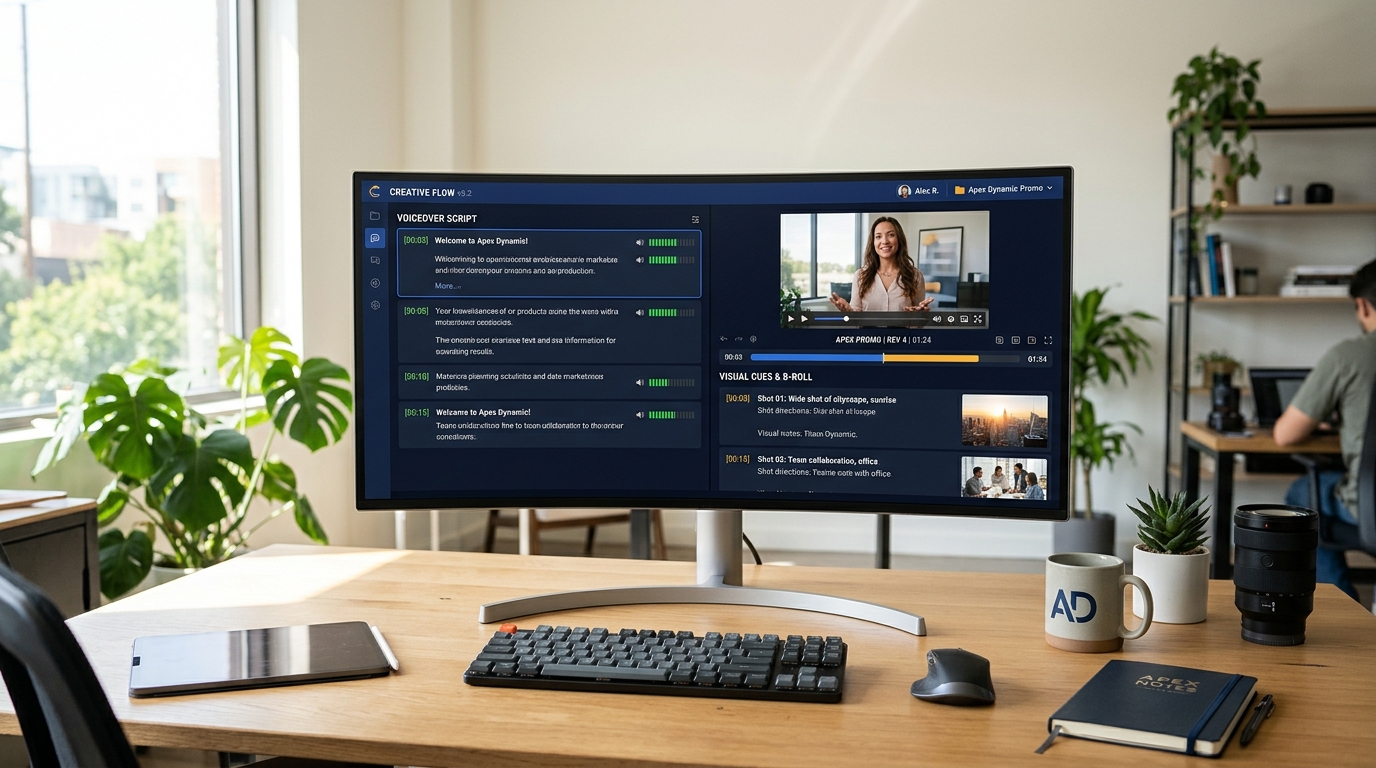
1. Video Script
Generate the hook, timed voiceover lines, on-screen text callouts, and B-roll visual cues aligned to your saved Brand Voice.
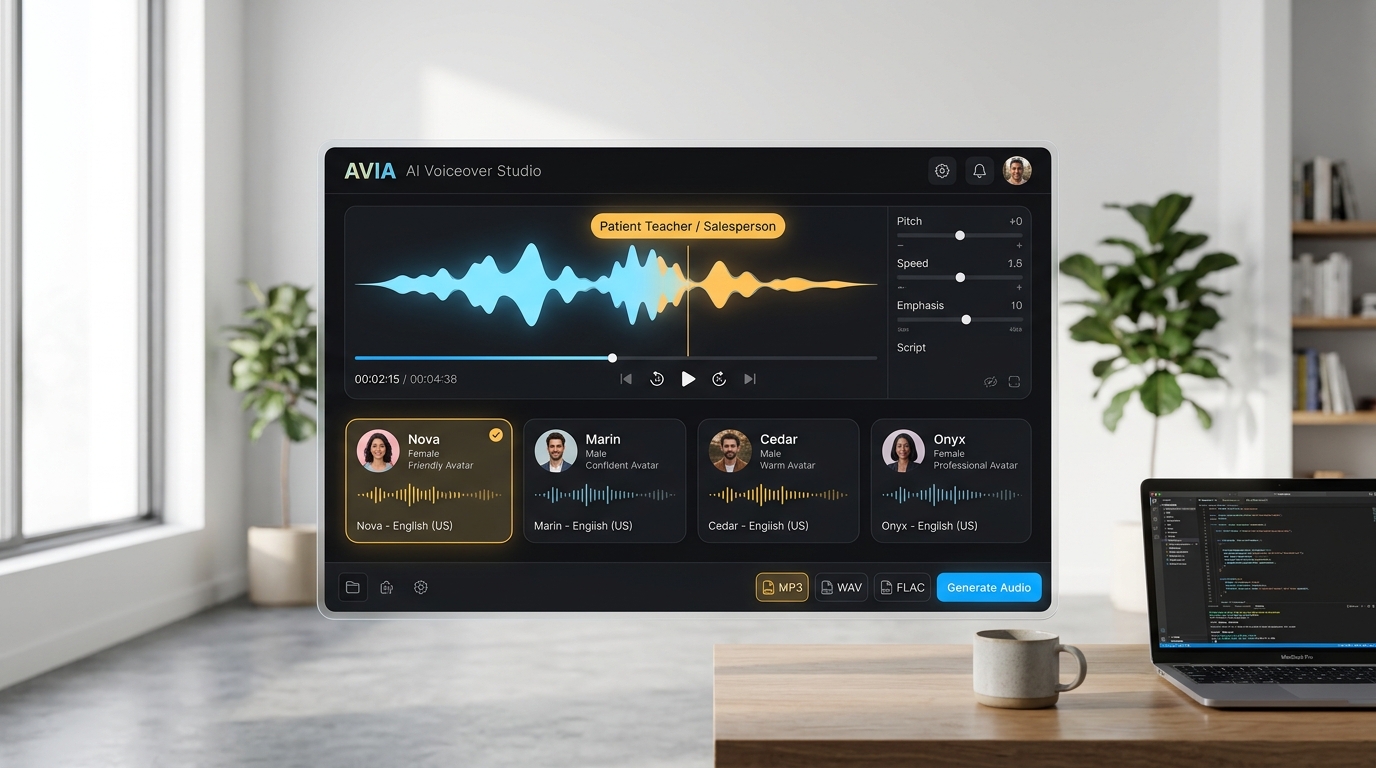
2. Text to Speech
Paste the VO lines, select from 13 AI voices & 32 personalities (e.g., Salesperson or Patient Teacher), and export lossless WAV or MP3.
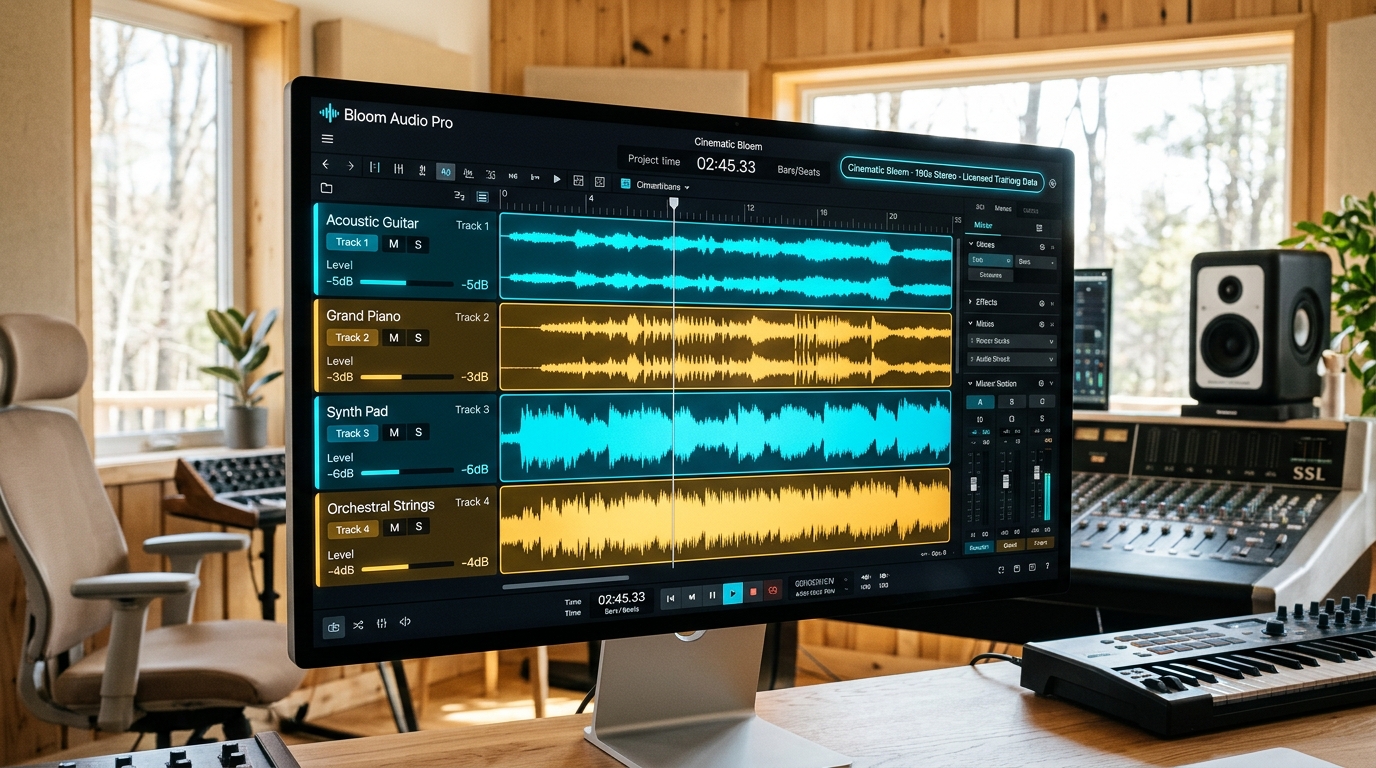
3. Text to Music
Generate a 60–190s custom background instrumental or 10s transition sound effect trained on licensed AudioSparx tracks.
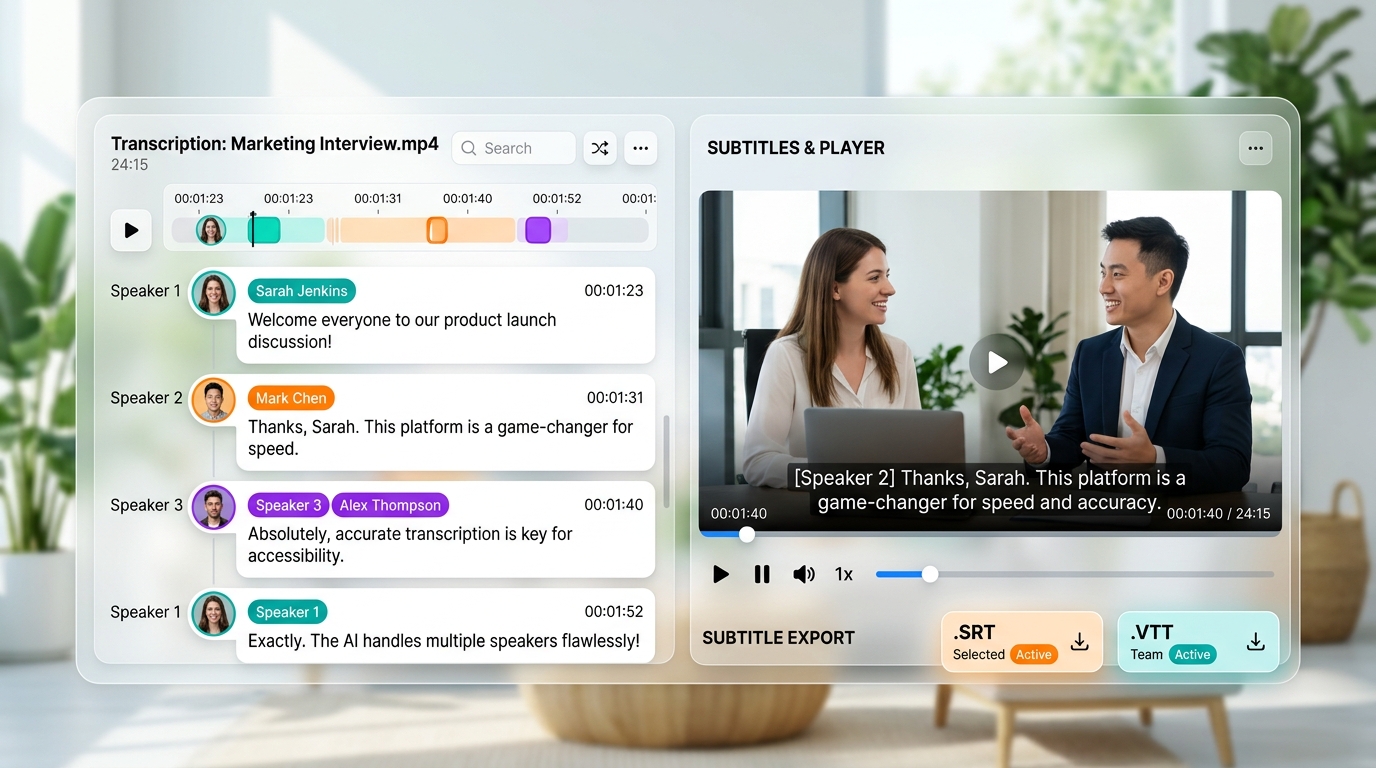
4. Transcribe Audio
Upload your voiceover or assembled video and select Generate Video Subtitles to download time-coded .SRT or .VTT captions.
How a Solo Marketer Produces a 60-Second Product Launch Video in 15 Minutes
VO: "(upbeat, confident) Still spending Friday afternoons chasing inventory updates across five spreadsheets? Meet CloudSync—the real-time stock hub built for growing retailers."
Voice Instructions Applied: Persuasive, warm, brisk pacing with crisp emphasis on metric callouts and the final call-to-action URL.
Music Prompt: "Uplifting Synthwave & modern corporate pulse, warm analog pads, clean arpeggiated bassline, no vocals, 100 BPM—sits cleanly underneath spoken narration."
Every Audio & Video Tool Your Business Needs in One Suite
Switch between the three studio pillars below to explore how each applet works on its own—or click any of the 6 Applet Pills at the bottom for an instant capability summary:
All Plans
6-Tab Video Script & Storyboard Builder
Plan scripts from 30 seconds to 60 minutes with auto-filled Brand Voice, product URL context, VO narration lines, B-roll visual notes, and compliance guardrails.
Paid Plans (Advanced / Team / Agency)
13 Natural AI Voices & 32 Editable Voice Personalities
Convert up to 4,096 characters (~800 words / 5 minutes) into expressive speech across 50+ languages and 6 studio formats (MP3, WAV, AAC, FLAC, Opus, PCM).
Paid Plans (Advanced / Team / Agency)
Up to 190-Second Stereo Soundtracks & Solo Instrument Stems
Describe genre, mood, instruments, and BPM—or start from 12 built-in Music Presets (Cinematic Bloom, Autumn Reverie, Midnight Loops, Neon Skies, Digital Safari, Pulse Theory & more).
12 SFX Presets + Studio Controls
Custom Sound Effects (SFX) & Precision Diffusion Controls
Generate 10-second ambient textures or transition foley using 12 SFX Presets (Forest Ambience, Ocean Waves, Typing on Keyboard, Rain on Window, Futuristic Door) with Sampling Steps (30–100) and CFG Scale (1–25).
Connected Meeting Pipeline
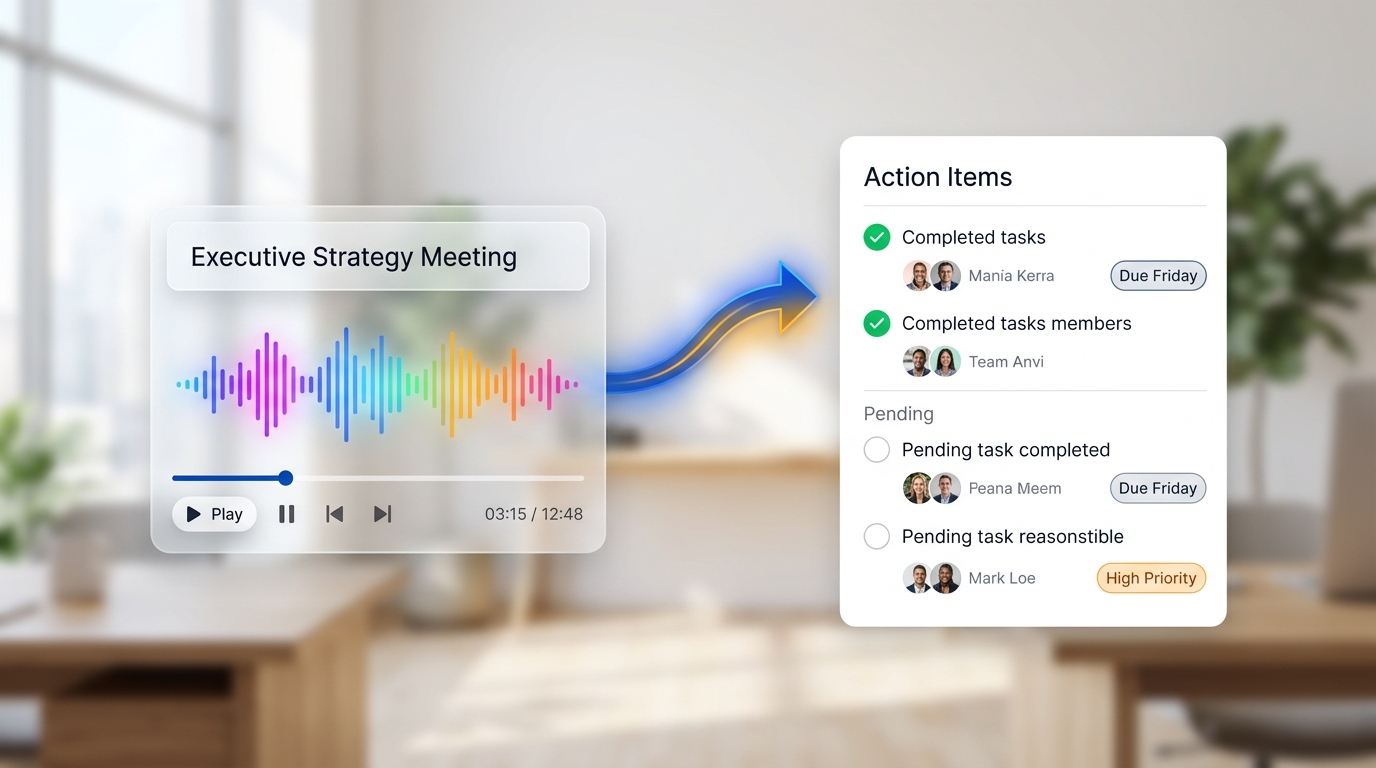
SRT/VTT Video Captions, 10-Speaker Diarization & 15-Second Action Items
Export .SRT/.VTT subtitles, label 1–10 speakers by custom name, or pass the generated Transcript ID into Action Items to extract owners and due dates automatically.
Auto Language Detection
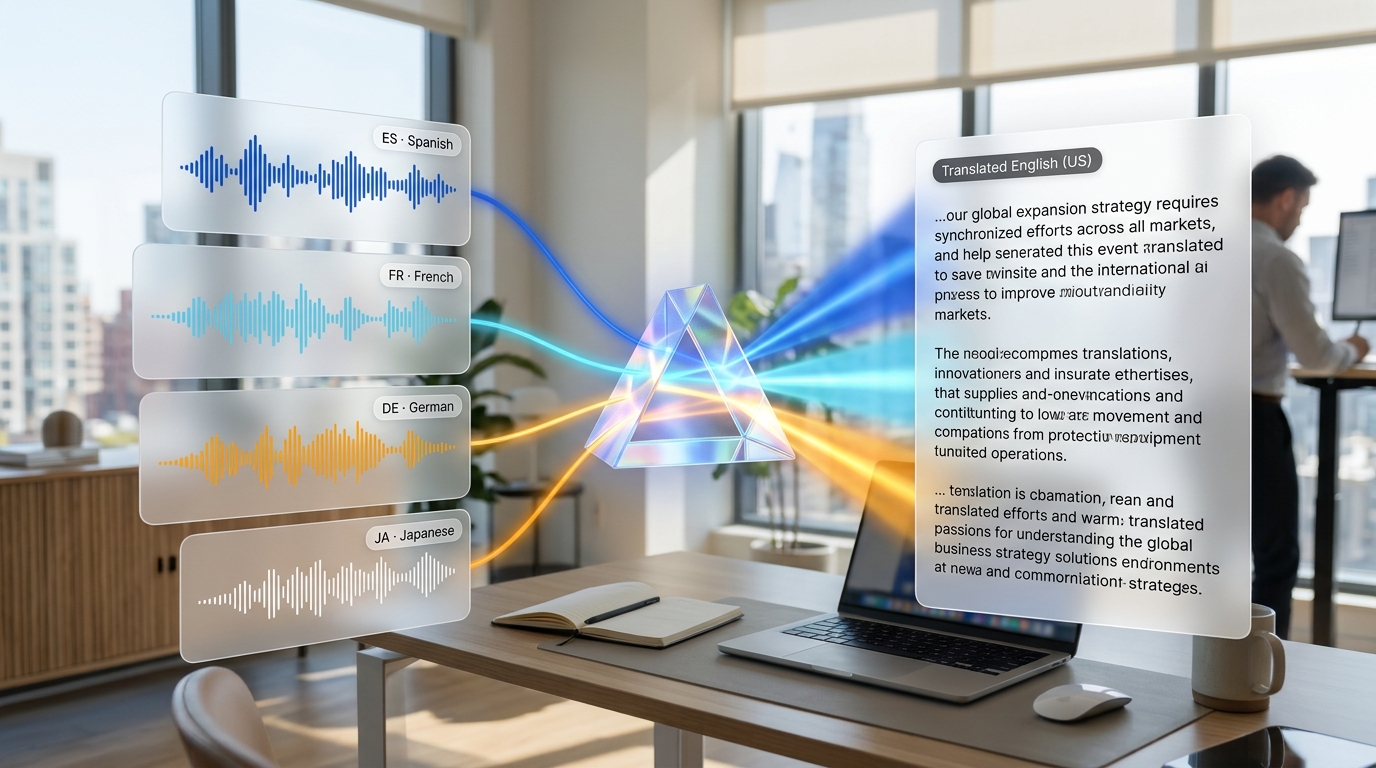
Foreign-Language Audio & Video to Written English
Upload international recordings (.mp3, .mp4, .wav, .m4a, .flac, .webm). Automatically detects dozens of foreign languages and outputs a clean English translation to your Text Results Library.
How Brainiest Coaches You to Studio-Grade Audio & Video
You don't need to be a sound designer or video producer to get broadcast-quality results. Every applet includes field-by-field QuickTips, Astro AI sidebar help, and these 6 built-in studio techniques:
Write for the Ear, Not the Eye
Use short, conversational sentences and break scripts into Intro, Main Points, B-Roll overlays, and a specific URL Call-to-Action (2–5 min performs best).
Control Pacing & Personality
Pick from 32 Voice Personalities (Salesperson, Patient Teacher, Business) and use ellipses (...), dashes (—), or inline cues like (more excited).
Use Strong Emotional & Stem Terms
Specify genre, instruments, BPM, and vivid mood words ("soaring" instead of "energetic")—or request solo instrument stems like "percussion and bass".
Export .SRT or .VTT in 1 Click
Run your finished narration or video through Transcribe Audio in Generate Video Subtitles mode so muted social viewers read every word.
Prime Jargon & Punctuation
Add a short 1-sentence prompt with company acronyms (e.g., "Acme Corp makes DRAM and NVRAM") so foreign-to-English translations nail your terminology.
Add Meeting Context for Precision
Paste your Transcript ID and add a quick note like "Contractor Review on April 20 — concise reminders for attendees" for instant owners & due dates.
Unlock the Full Audio & Video Production Studio
All paid Brainiest subscriptions—Advanced, Team, and Agency—include a 2-week trial and unlock the complete 6-applet Audio & Video Suite alongside all 15 Imaging tools and 4 Campaign Builders:
Advanced Plan
1 Seat · 1 Brand · Unlimited Generations. Built for solo marketers, founders, and SMB employees wearing the marketing hat. Unlocks Text to Speech, Text to Music, Transcribe Audio (.SRT/.VTT), Action Items, Translate Audio, and Video Script.
Team Plan
Up to 5 Seats · 1 Shared Brand · Unlimited Generations. Collaborate across one shared Text Results Library, Brand Voice profile, and Media Library so anyone on your team can script, voice, score, or caption videos and extract meeting action items.
Agency Plans
2–10 Seats · 3–25 Client Brands · Unlimited Generations. Maintain isolated Brand Voice profiles, client libraries, and audio/video production pipelines for every client retainer you manage.
To keep studio generation speeds fast and dedicated to business marketers, high-compute audio synthesis applets (Text to Music and Text to Speech) are exclusive to our Advanced, Team, and Agency plans—each backed by a 2-week trial. Want to explore Brainiest's interface first? Our Free Plan lets you test Video Script and foundational text applets before starting your trial.
Ready to Script, Voice, Score & Caption Your Next Video?
Start your 2-week trial on an Advanced, Team, or Agency plan to unlock all 6 Audio & Video Script applets, 15 Imaging tools, and 4 Campaign Builders.