Imaging Suite

Our Imaging Suite empowers small business owners with both text-to-image generation and powerful image editing capabilities. Whether you need fresh visuals or want to refine existing photos, these 15 applets streamline creative workflows, cut design costs, and maintain brand consistency.
A few examples to help illustrate the power at your fingertips:
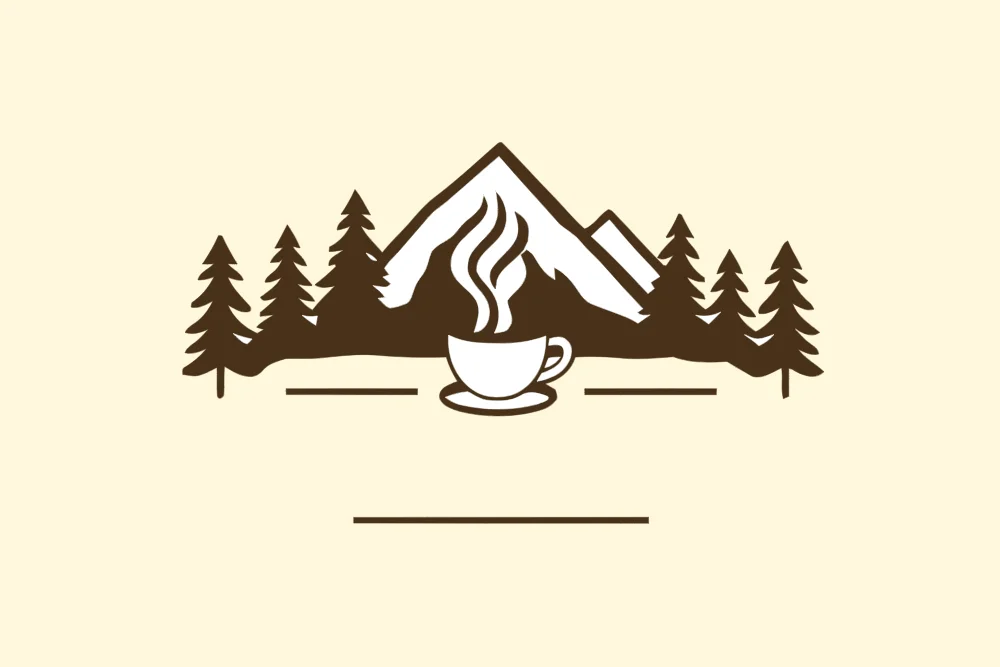
- A coffee shop owner types “steam-rising cup in minimalist line art” into Create Vector Art and downloads an SVG logo to print on staff aprons and menus at no extra design cost.
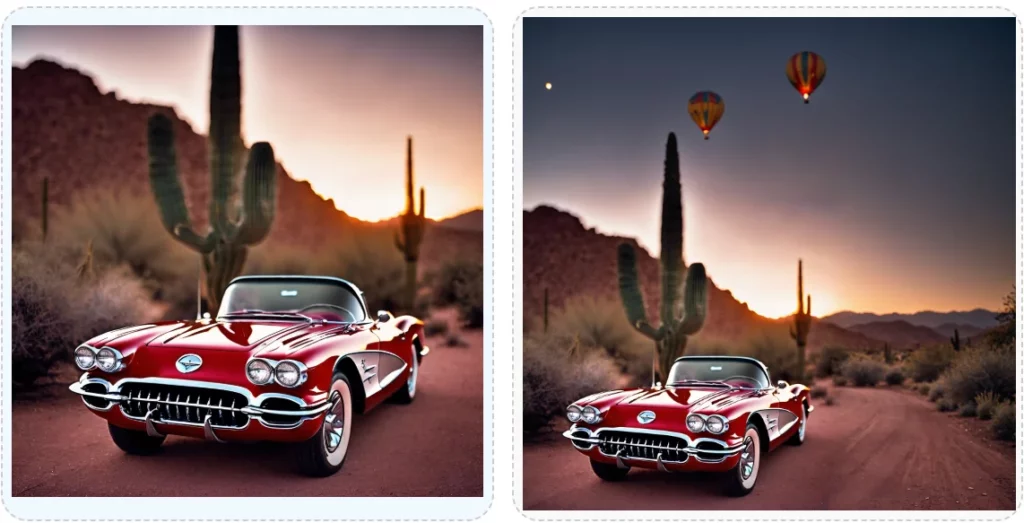
- Using Extend an Image, a landscaper extends a garden photo to include adjacent flower beds, creating a panoramic header for their website.
- A fitness studio generates dynamic workout scenes with the Image Generation 3 applet in square, landscape, and story ratios to run simultaneous Facebook, Instagram, and TikTok ads without juggling multiple tools.
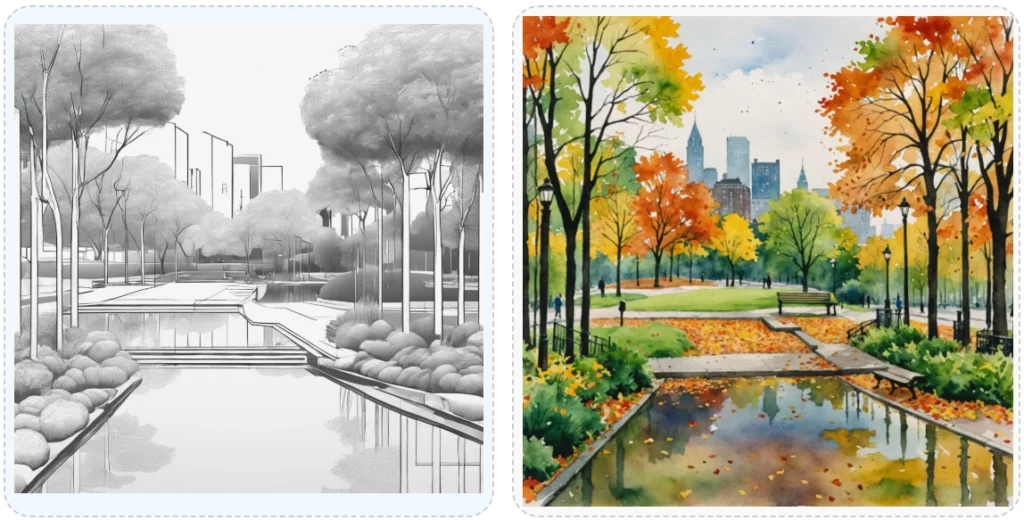
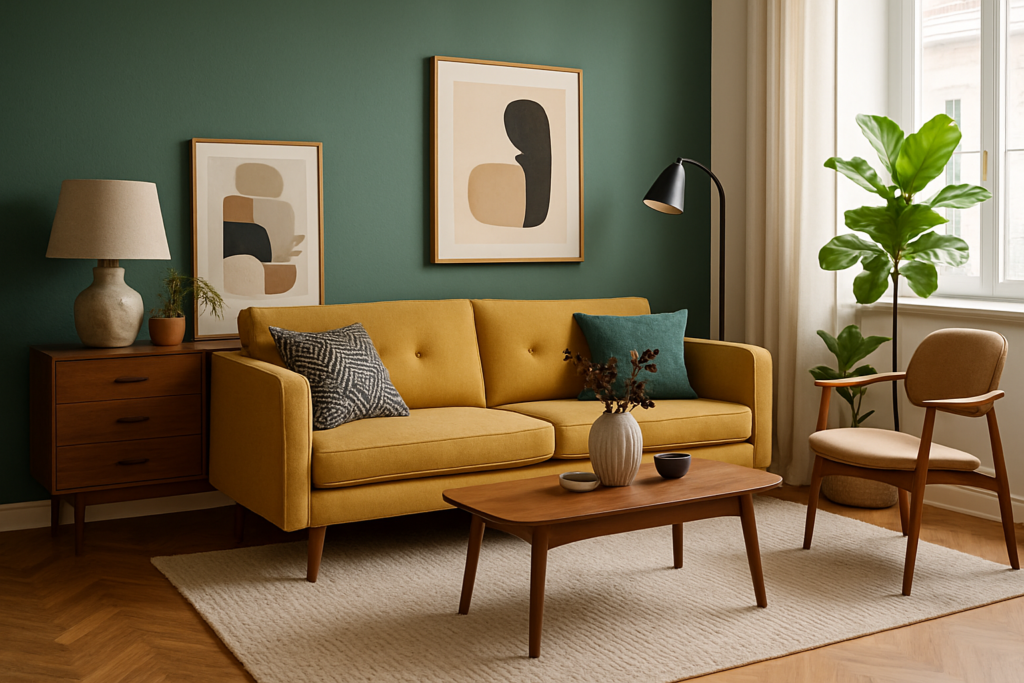
- A furniture maker uses Preserve Image Structure to convert a showroom photograph into a stylized watercolor rendering for an artful brochure, while preserving the sofa and table placement.
create image from text Applets
Create Image with OpenAI
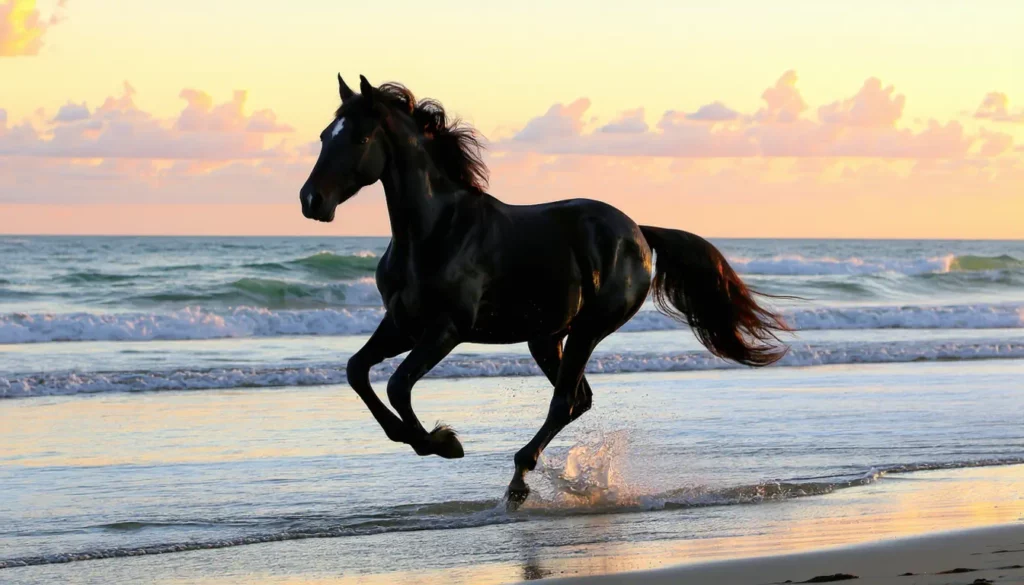
Our Create Image with OpenAI applet offers unlimited access to the latest versions of either the Dalle-3 or Image-1 image generation models. The images are renowned for their hyper-realistic look with vivid colors and accurate depictions. Choose from a variety of image sizes, in standard or high-definition format, and in a natural or vivid style. In addition to your desired image, the applet returns a detailed prompt from the model in case you want to recreate the same scene with variations later.
Create Vector Art
Unleash your creativity with our Create Vector Art applet, designed to transform text prompts into stunning, scalable SVG files. Unlike pixel-based images, vector art retains its sharpness and clarity at any size, making it perfect for everything from intricate icons to massive banners. Whether you’re crafting an artistic masterpiece, sleek low-poly designs, or sharp isometric visuals, this applet offers 10 versatile modes to suit your vision, including logo and icon creation. Our applet simplifies professional branding while also providing 18 distinctive artistic styles for more complex and personalized renderings. Elevate your design projects with the precision and flexibility of vector art, powered by cutting-edge AI.
Image Generation 3
Utilizing the latest technology, our Image Generation 3 applet allows you to select the type of imaging model, aspect ratio, and output format best suited to their application. Ideal for creating images for social media marketing campaigns, web sites and other collateral. The applet quickly creates a high-quality image that is fully synthesized based on your selection of aspect ratio, model, output format and text entered in the prompt fields.
Text to Image Ultra
Experience the state of the art in image generation with our Text to Image Ultra applet, designed for creators who demand the highest quality and precision. With unmatched prompt understanding, this applet excels in crafting intricate typography, complex compositions, dynamic lighting, and vibrant hues, all while maintaining exceptional cohesion and structure. Unlike other generation models that struggle with spelling, this applet ensures text elements are rendered beautifully, just like the Angelo’s sign in the picture of an Italian restaurant shown above. Supporting a range of aspect ratios and formats, this applet is perfect for any creative project requiring versatility and visual excellence. It redefines what’s possible in text-to-image generation.
Selected Modify Existing Image Applets
Edit Image with Prompt
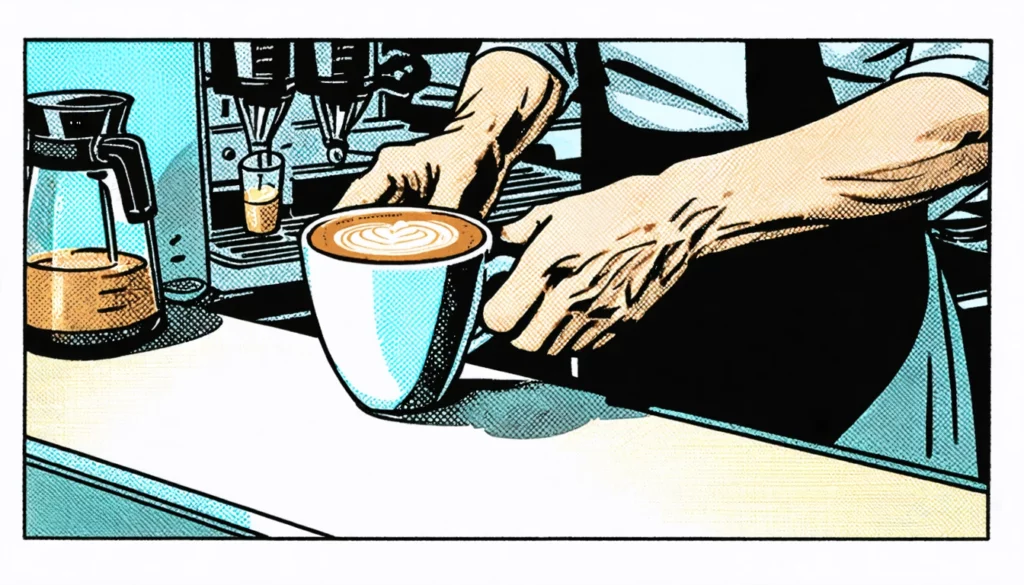
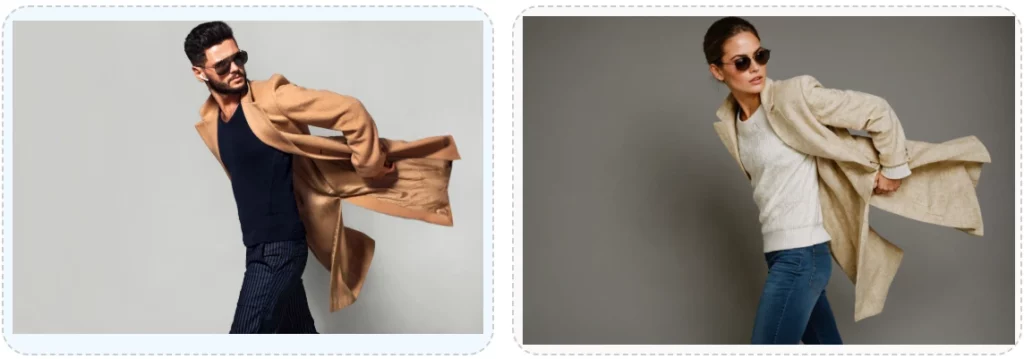
Based on instructions entered in the positive prompt, our Edit Image with Prompt applet will edit the uploaded image. This applet leverages one of our most advanced models to edit images using real-world context and precise, detailed instructions. You can add or remove objects, text, and visual effects. You can also change the colors, style, lighting or mood. The output format may differ from the uploaded image along with the background, quality, image size and output compression.
Extend an Image
Sometimes you have found the perfect image, but it isn’t the right aspect ratio or size to fill the space that you need. Our Extend an Image applet allows you to upload your image and then increase the size up to 512 pixels in any or all four directions: top, bottom, left, and right. The applet will fill in appropriate details that are consistent with the original image, or you can add an optional prompt to instruct it to include other objects. You are the one in creative control.
Preserve Image Structure
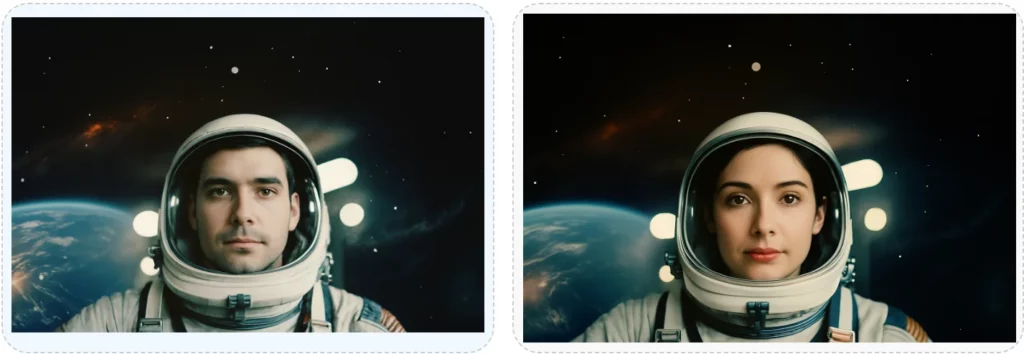
Liberate your content creation with our Preserve Image Structure applet, a groundbreaking tool that lets you reimagine images while maintaining their structural integrity. Upload an existing image and generate a fresh version based on your prompt, perfect for recreating scenes or redesigning cover layouts with new models or subjects. Tailor the transformation by adjusting the level of adherence to the original structure and choosing your preferred output format. This applet offers more flexibility in completely changing specific subjects, colors, and background than our simpler New Image from Another applet. It empowers creators to innovate while keeping the essence of their designs intact, offering unparalleled flexibility and precision for advanced projects.
Sketch to Image
Turn your creative concepts into polished visuals with our Sketch to Image applet, the perfect companion for design projects that demand brainstorming and frequent iterations. This powerful tool transforms rough hand-drawn sketches or line art into refined images, guided by your positive prompts and adjustable control strength values. Further customize your results with negative prompts and a choice of output formats, ensuring your vision comes to life exactly as imagined. Streamline your creative workflow with this intuitive applet, designed to bridge the gap between raw ideas and professional results.
FAQS
Got Questions
Find answers to our AI software and subscription service.
Who is Astro?
Loyal like a dog. Smart like a CEO. Astro is the AI Assistant your business deserves. Sign Up for a free account and meet Astro.
Can I use Brainiest to generate an image from a text prompt?
Yes. Our service includes multiple applets capable of generating an image from your description and selected style. The image created is unique and fully synthesized based on the input you provide. After the initial image is generated, you can refine it by changing styles or providing additional details in your description.
Why does the result generated by Dall-E include a revised prompt?
The Create Image with OpenAI applet’s primary purpose is to generate images from textual prompts. By including a revised prompt (Dall-E option only), the applet provides you with additional context to help guide you through the creative process. It encourages further refinement of your prompt, resulting in the generation of a more interesting and imaginative image.
Can I use Brainiest to modify an existing image?
Yes. Our service includes multiple applets capable of modifying an existing image uploaded by you. The applets in our Imaging Suite include Edit Image with Prompt, Extend an Image, Image Variations, Inpainting, New Image from Another, Preserve Image Structure, Remove Background, Replicate Image Style, Search and Replace, Sketch to Image, and Upscale an Image.
Depending on the applet selected, you can create a new image by altering, editing, extending or upscaling your uploaded image. You’ll find the necessary guidance within each applet
What happens with the selection of the Download SVG File button?
When you select the Download SVG File button, the result generated by our Create Vector Art applet is downloaded to your computer’s download directory as an SVG file. A dialogue box will appear informing you of the successful download with a link for opening the file. You can insert the SVG file in an application that accepts an SVG image for editing.
Does Brainiest retain a copy of my images?
Yes. The images uploaded or generated by you are retained to improve your user experience with our service and can be viewed in your Media Library. Please reference our Terms of Use for additional details.