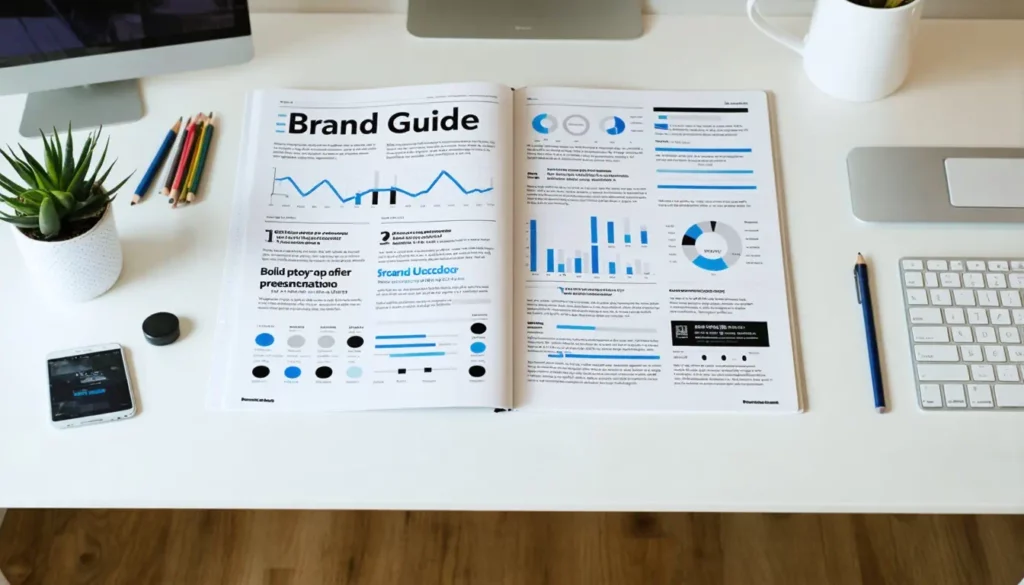
 These applets equip you with tools to define, refine, and execute a cohesive brand identity. From marketing frameworks to visual and voice guidelines, these applets guide you through every stage of high-level planning. Each applet collects structured inputs—whether strategic goals or design assets—and outputs actionable documents or content to align your brand across channels.
Don’t know where to start? Maybe, one of these examples will help:
- A boutique coffee shop uploads three logo drafts to the Analyze Logos applet to identify which design’s color contrast and iconography best convey freshness and artisan quality.
- A travel agency chooses quarterly planning, highlights peak holiday seasons, and receives a Content Calendar outlining weekly blog topics, Instagram reels ideas, and email campaigns aligned with booking trends.
- A local bookstore inputs its website, monthly budget, audience demographics, and competitor info to generate a three-month Marketing Plan that prioritizes email newsletters, in-store events, and social media promotions.