
Chat

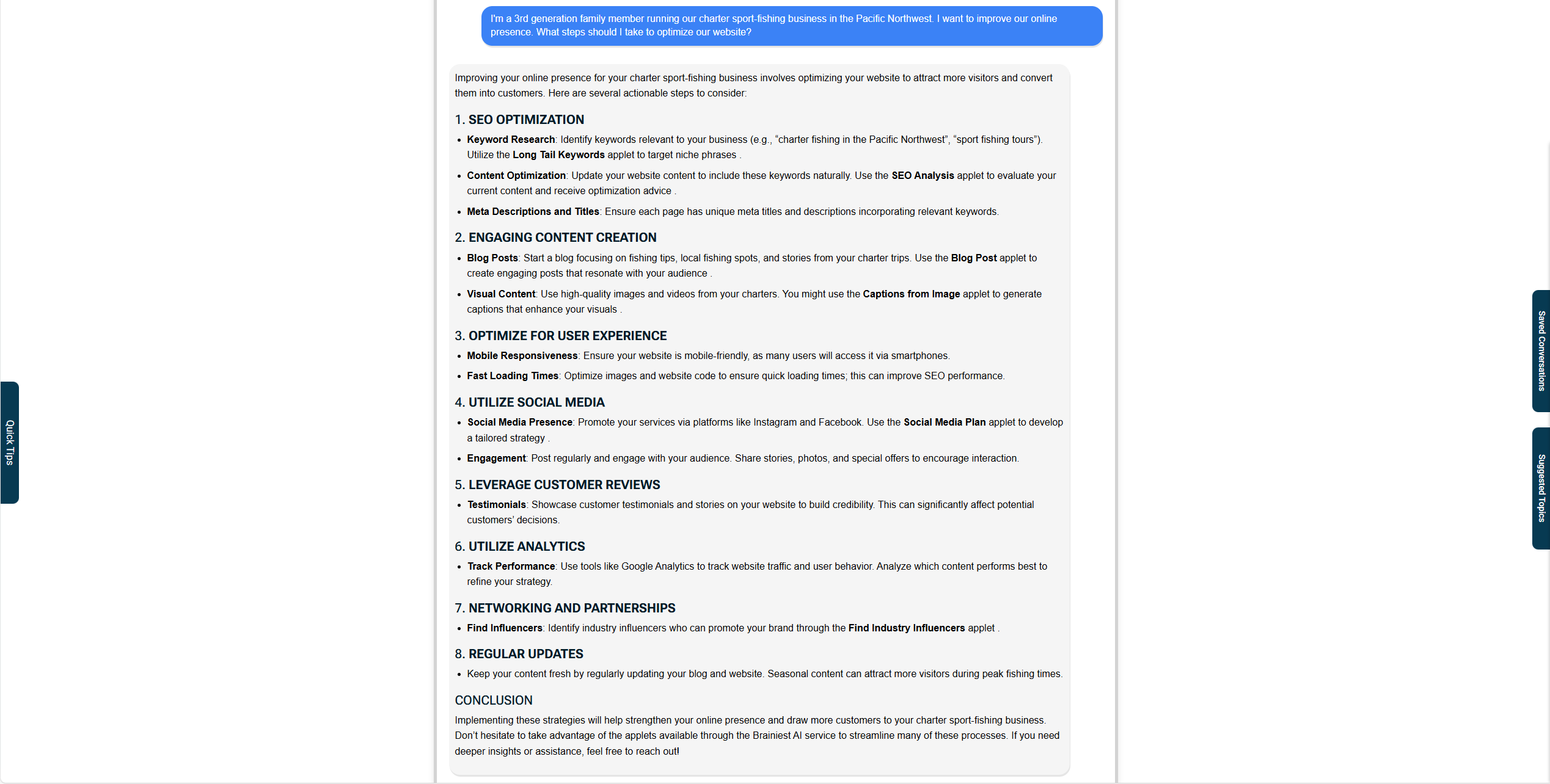
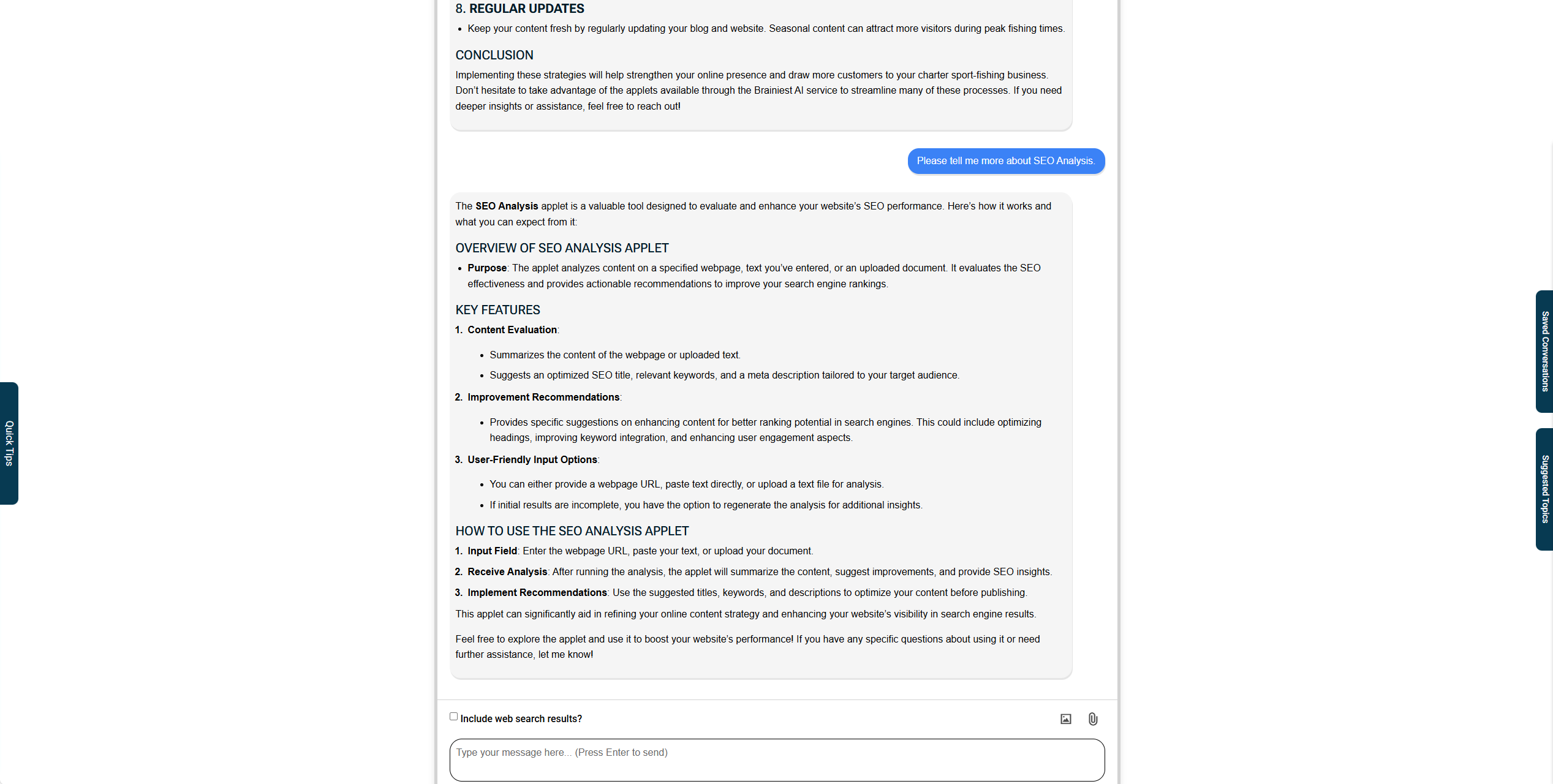
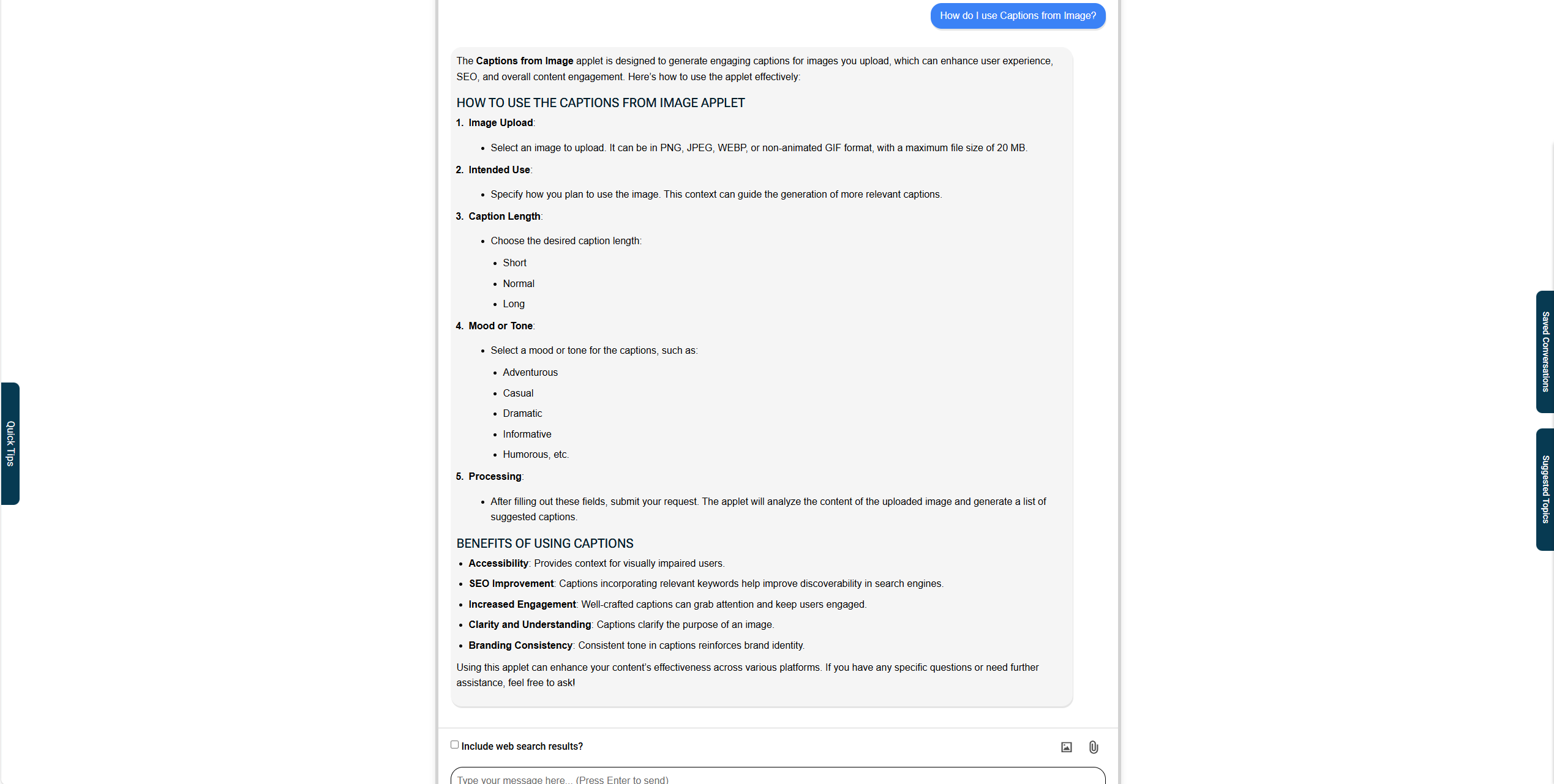
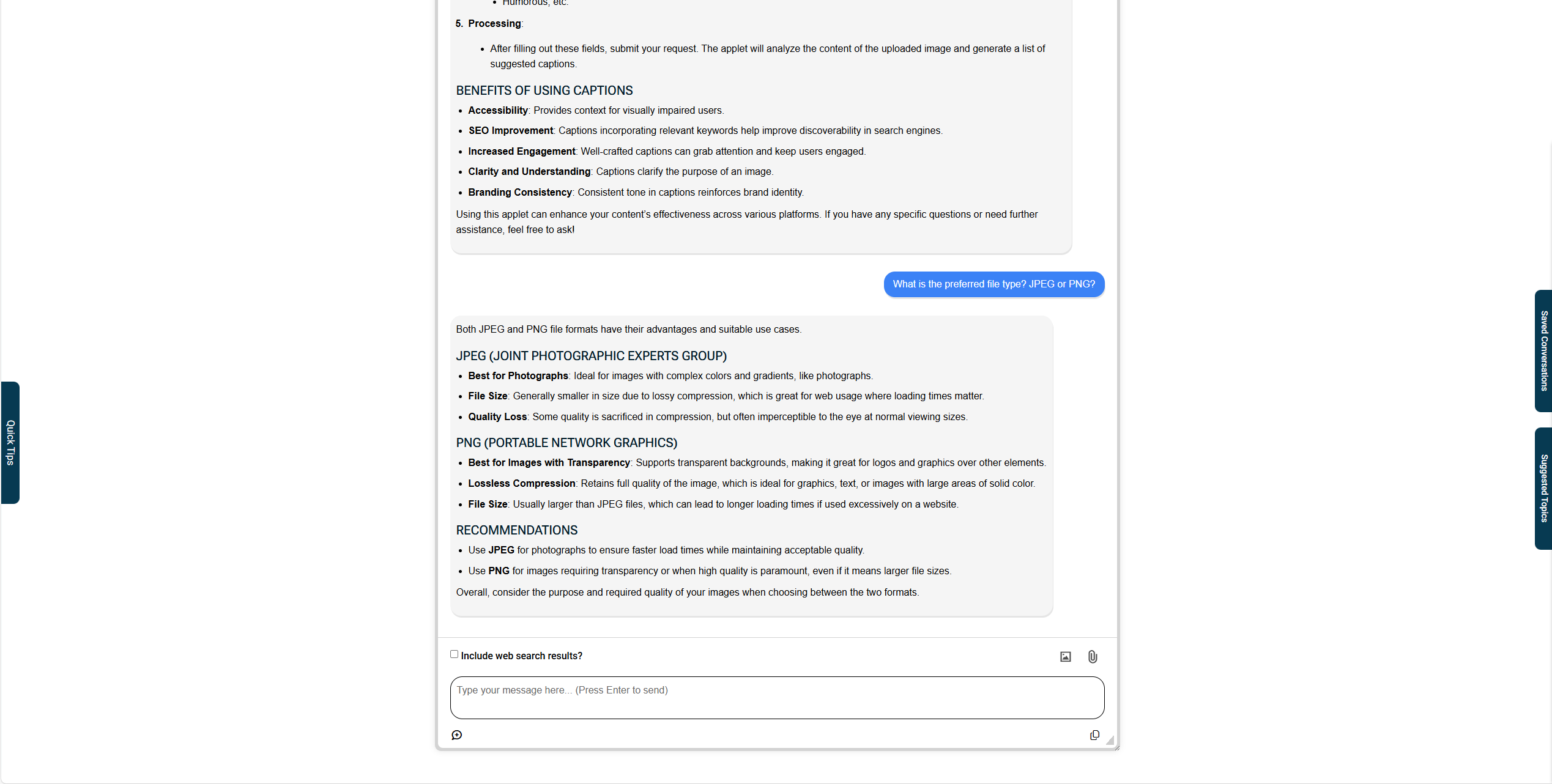
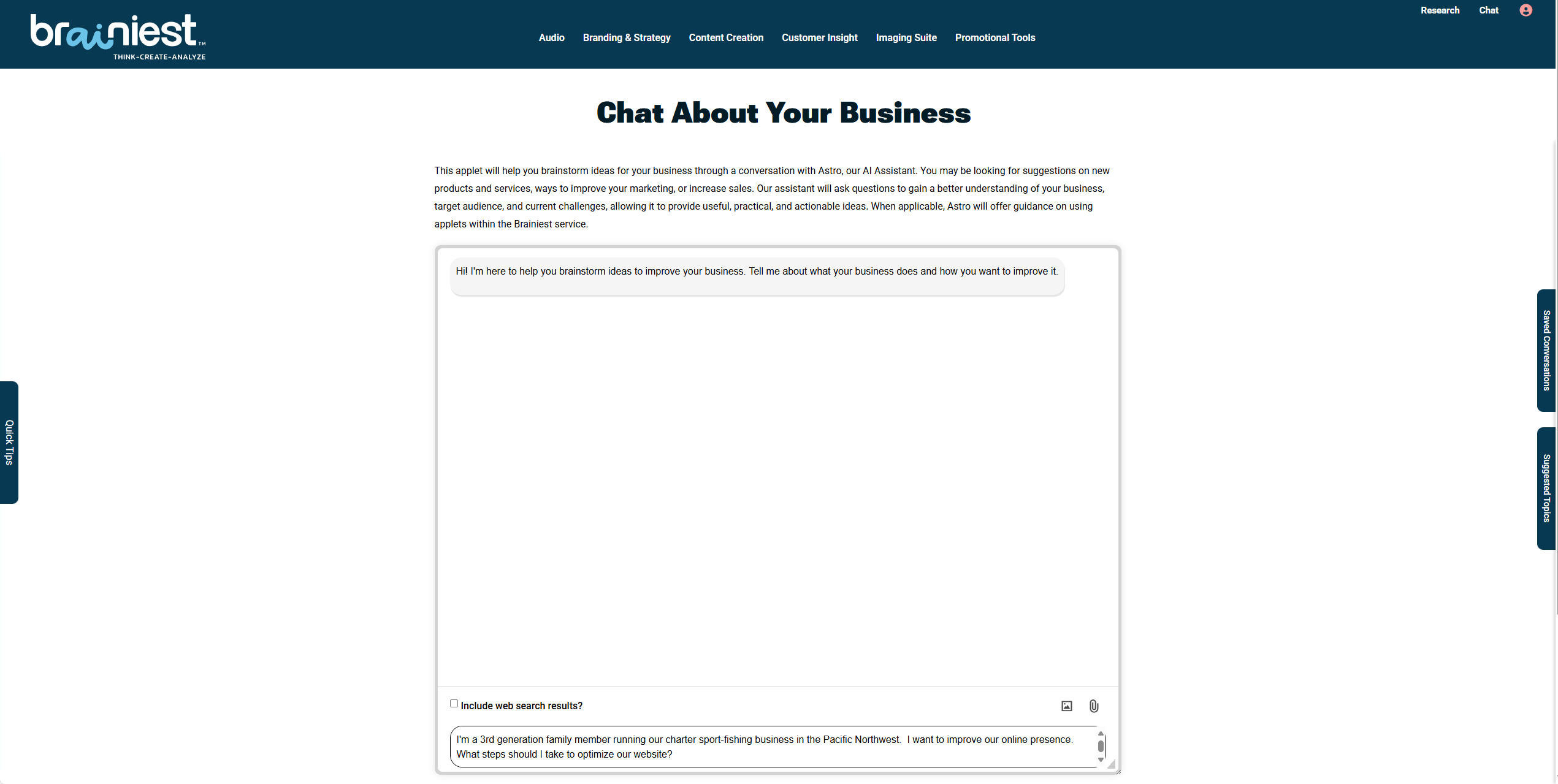
If you answered “yes” to any of these questions, then chat with Astro our AI-Assistant available 24 hours a day. Chat includes these features to help you have a more productive conversation:
- Quick Tips contains tips on Asking Effective Questions and Uploading Files
- You’ll find Saved Conversations and Suggested Topics.
- The option to Upload File (image or PDF) with your question
- Use Web Search Results in responses to questions
chat
brainstorm ideas with astro
Unlock high level expertise and strategic guidance
research
do your market research
Get an up-to-date answer with this model!
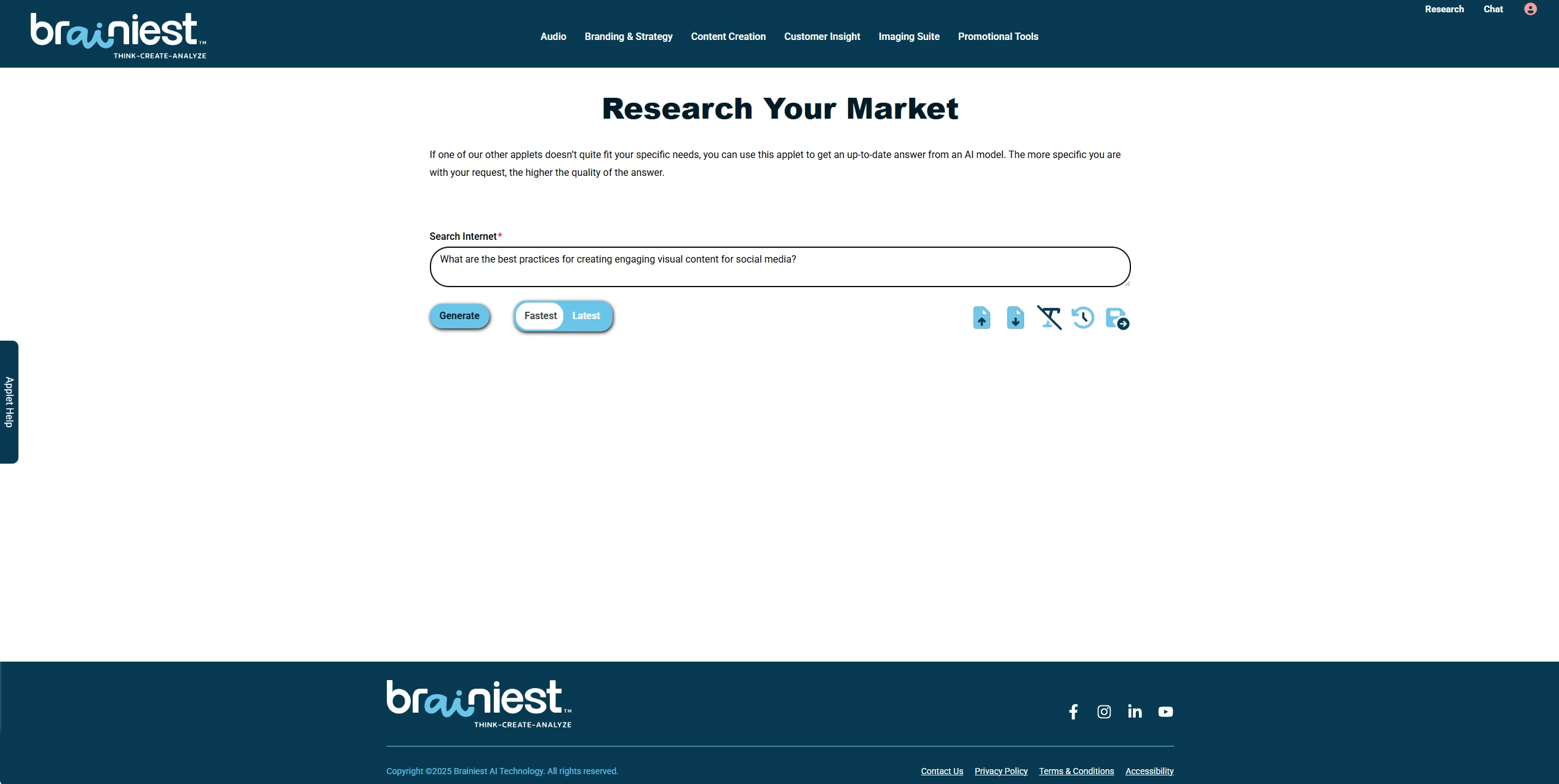
Ask a Question
Start your dialogue by selecting Research in the upper right-hand corner of the header. If you need help getting started, select the Applet Help sidebar.
As suggested, provide some background information about your business before entering a question. Before selecting Generate, select either the Fastest or Latest model.
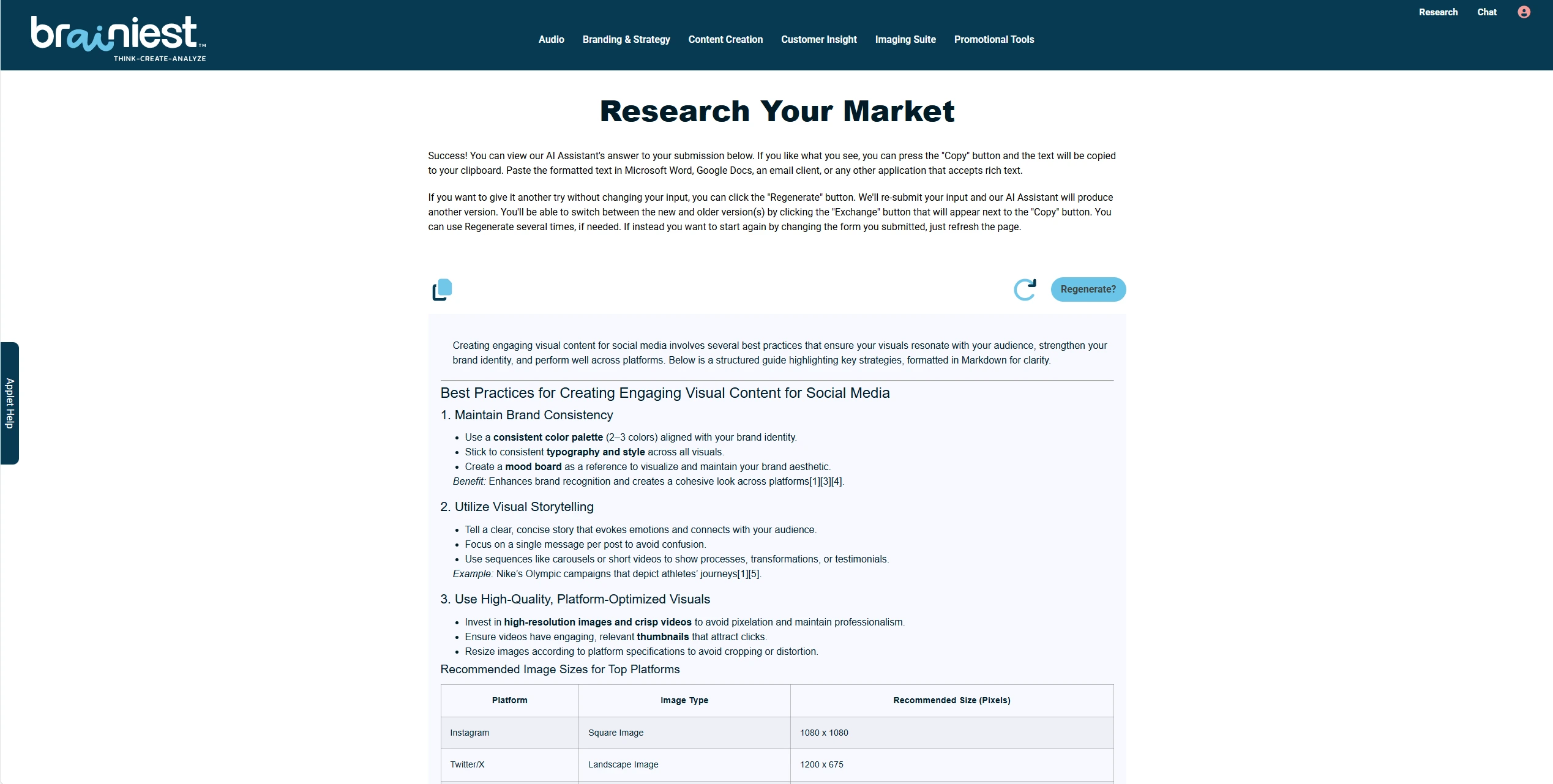
Get an Answer
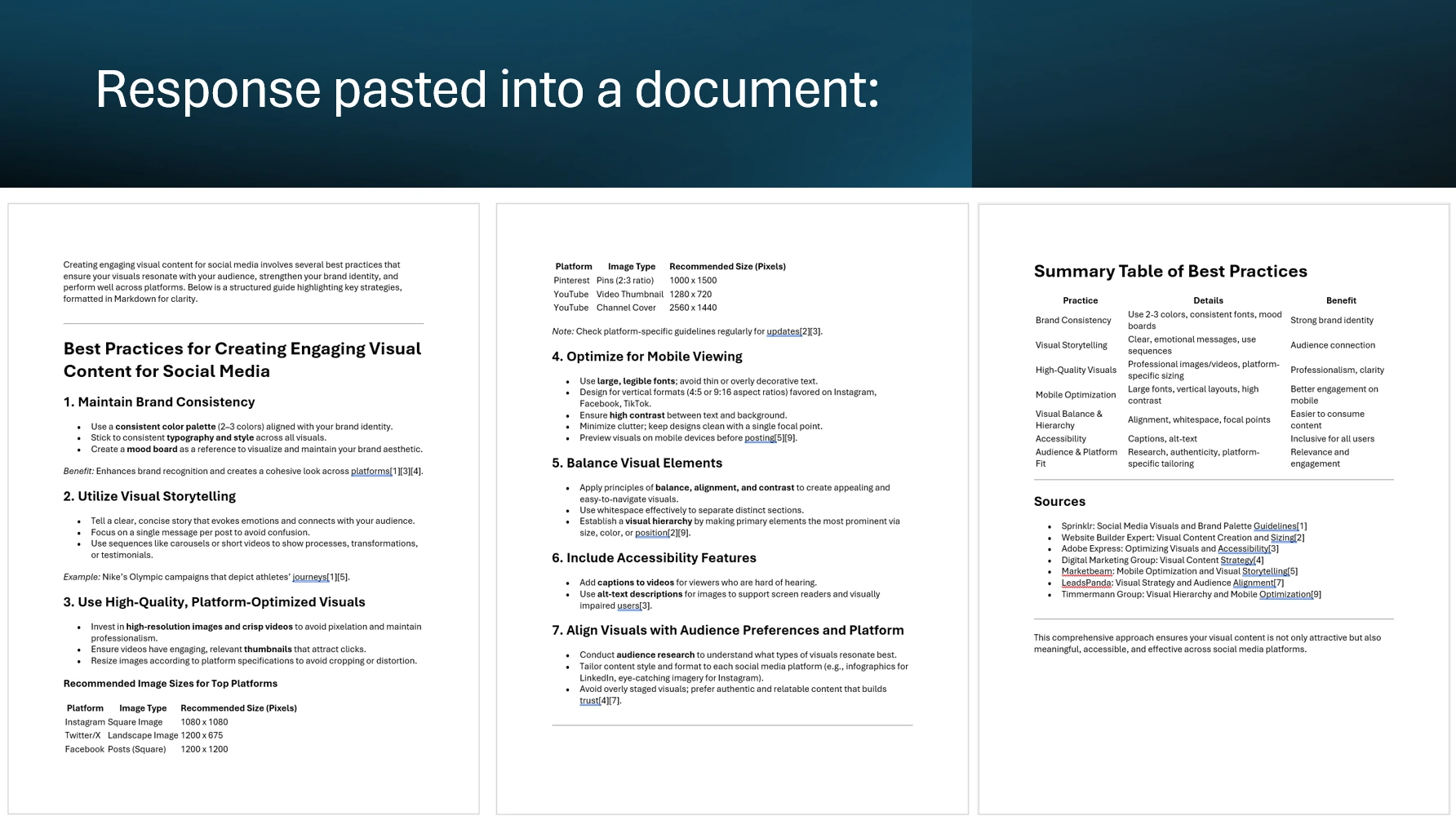
The model used has access to the internet and uses the latest information available to formulate response to your question. As with all of our applets, you may use the COPY button to save the generated results to a file, regenerate without modifying your question or start over by selecting REFRESH.
FAQS
Got Questions
Find answers to our AI software and subscription service.
Who is Astro?
Loyal like a dog. Smart like a CEO. Astro is the AI Assistant your business deserves. Sign Up for a free account and meet Astro.
What is Brainiest?
Brainiest is a web-based service consisting of numerous applets capable of generating high-quality marketing documents along with Chat, Help from Astro and Research. The applets are organized by these categories: Audio, Branding & Strategy, Content Creation, Customer Insight, Imaging Suite, and Promotional Tools.
You may use Chat to brainstorm ideas for your business through a conversation with our Brainstorming AI-Assistant. Help from Astro is available for guidance on using the applets and to answer general questions about our service. Research will help you quickly get a clear, concise response using the latest information available on the internet.
Can I use Brainiest offline?
No. Brainiest is a web-based service, requiring a subscriber to be online and logged into their account to use the service.
Which browsers are compatible with Brainiest?
Brainiest is fully compatible with the Apple Safari, Google Chrome and Microsoft Edge web browsers. These are the only browsers we fully support and recommend using with Brainiest.
Can I use Firefox by Mozilla with Brainiest?
Yes, but we don’t recommend using the Firefox web browser with Brainiest. Due to limitations with the browser’s API, our COPY button doesn’t allow you to copy formatted results into a document. If you manually copy the results and paste them into a document on your device the formatting will be retained.
How long are the Saved conversations with Brainiest's AI Assistants retained by your service?
Unless deleted by you, each conversation you initiated within Chat is saved for future reference and is visible in “Saved Conversations”. Keep in mind, you must continue the conversation within 30 days to ensure the model retains context (prior knowledge). If you cancel your subscription, then all conversations are automatically deleted and cannot be recovered.