
Research

Analyzing industry reports, customer feedback, and competitor offerings lets you differentiate your value proposition and carve out a sustainable competitive edge. It enables you to gauge demand, estimate market size, and understand where your customers live, their income range, and spending habits.
While other Large Language Models (LLMs) have learning cutoff dates from a year or more in the past, this model has access to the internet and will provide the latest information available. While you may ask it virtually any question, suggestions are included in the Applet Help sidebar. Keep in mind, you’ll get a better answer by including background information about your business.
research
do your market research
Get an up-to-date answer with this model!
Ask a Question
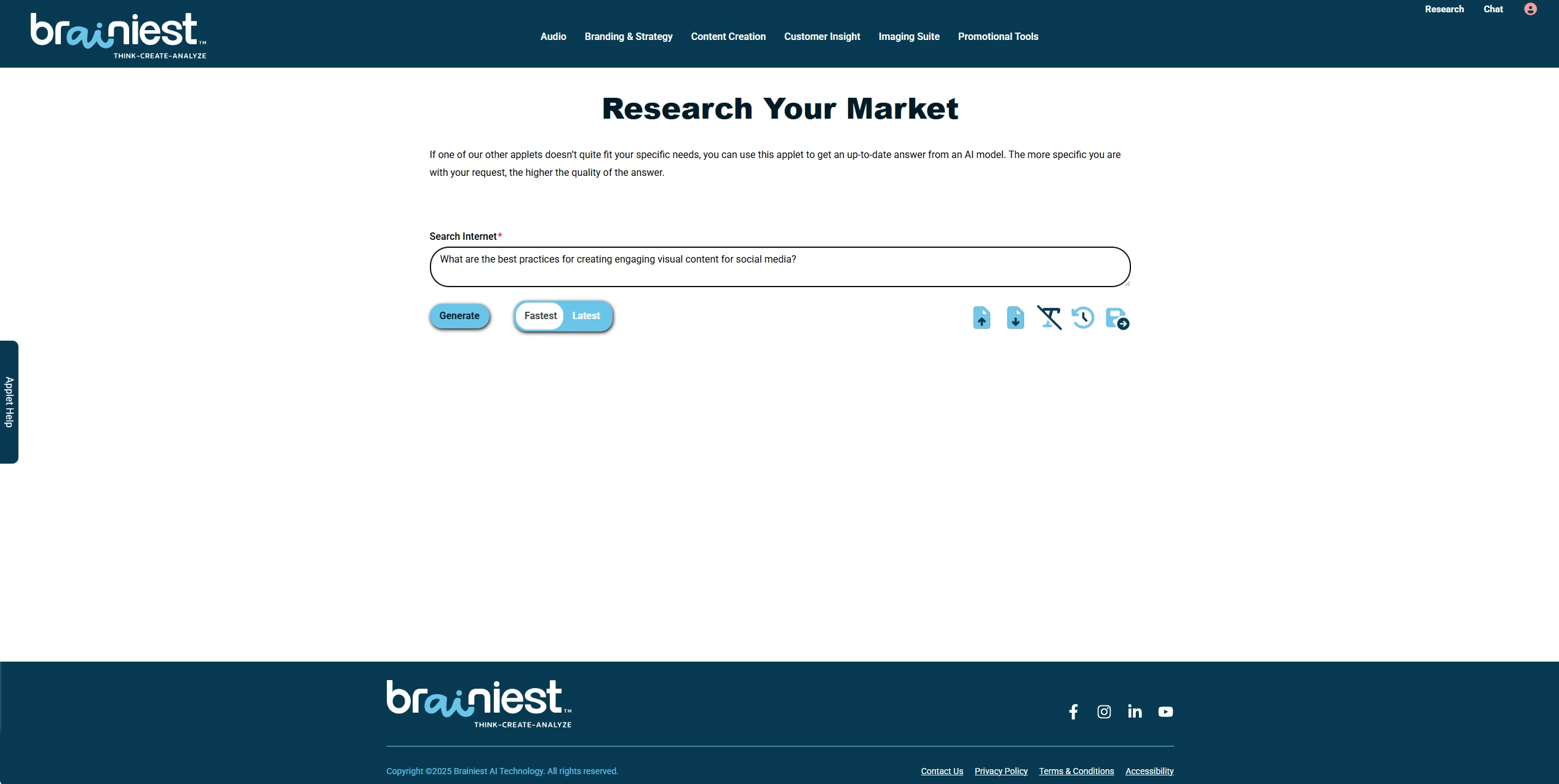
Start your dialogue by selecting Research in the upper right-hand corner of the header. If you need help getting started, select the Applet Help sidebar.
As suggested, provide some background information about your business before entering a question. Before selecting Generate, select either the Fastest or Latest model.
Get an Answer
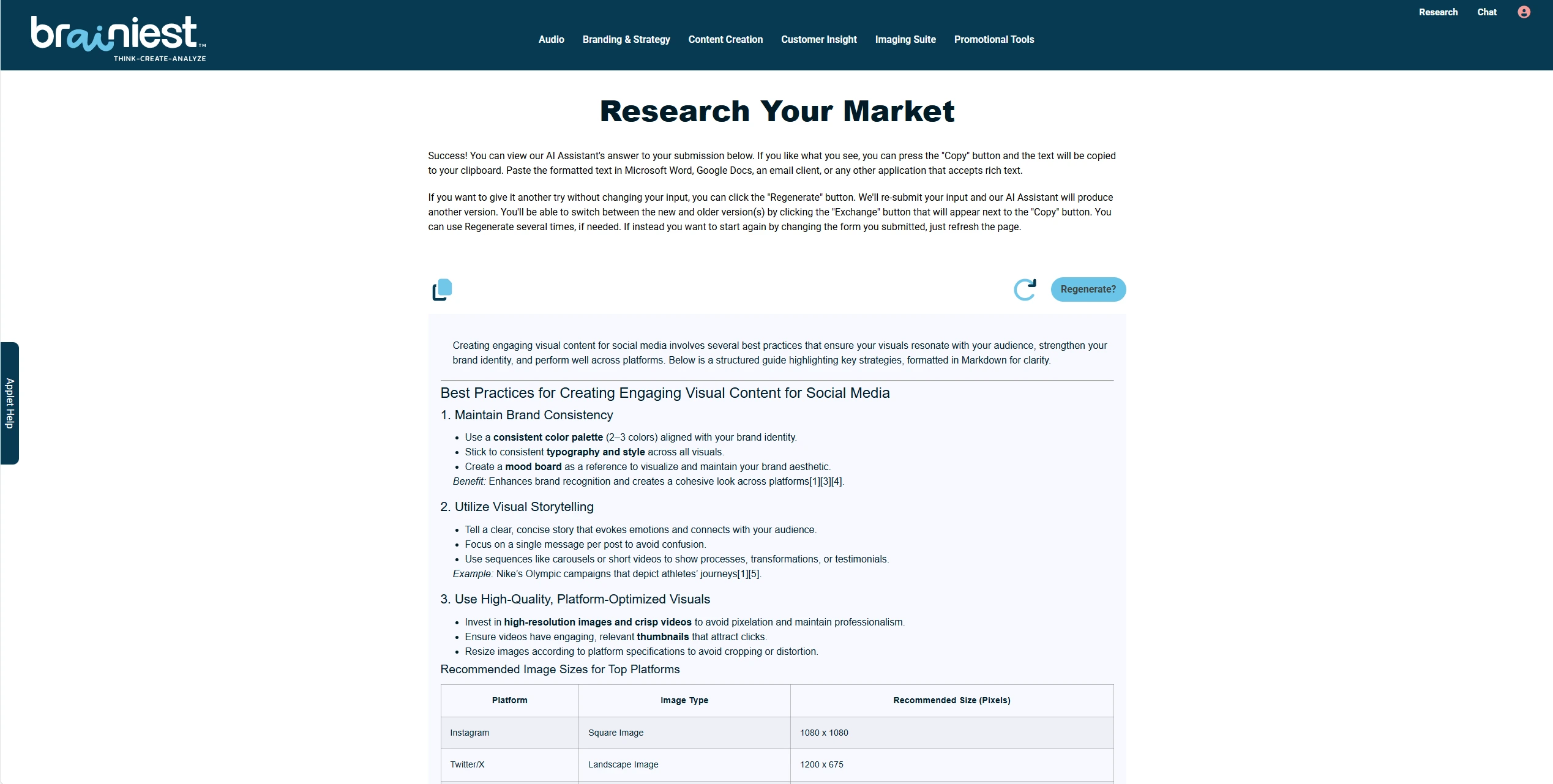
The model used has access to the internet and uses the latest information available to formulate response to your question. As with all of our applets, you may use the COPY button to save the generated results to a file, regenerate without modifying your question or start over by selecting REFRESH.
FAQS
Got Questions
Find answers to our AI software and subscription service.
Who is Astro?
Loyal like a dog. Smart like a CEO. Astro is the AI Assistant your business deserves. Sign Up for a free account and meet Astro.
When I select the COPY button, what happens?
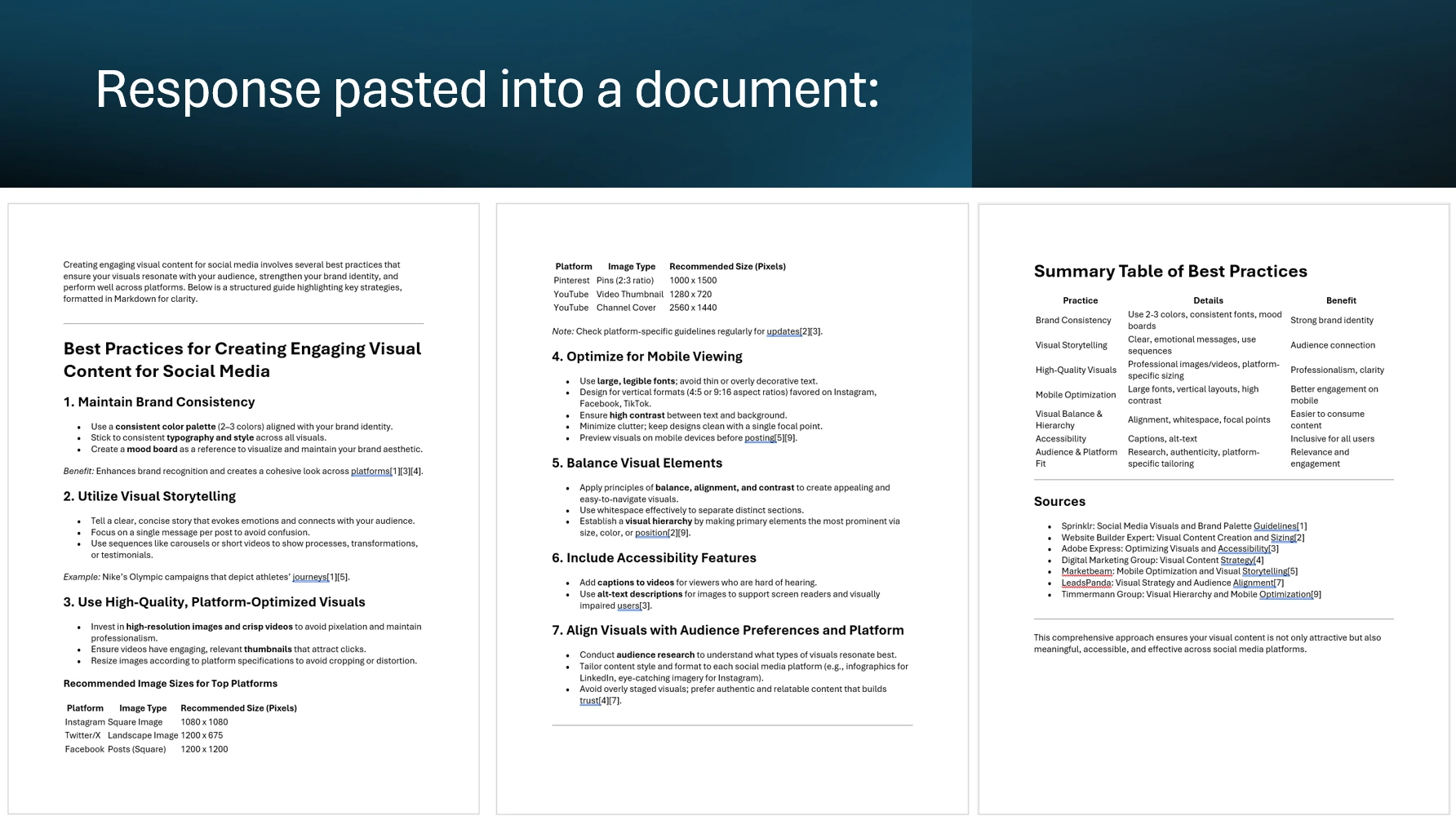
When you select the COPY button, the result currently viewable on your computer’s screen is copied into your operating system’s data buffer (clipboard) through your browser’s interface. Once the result is copied, you can
create or open a document using a word processing application (Google Docs, Microsoft Word, etc.), paste your result into the document and save it to a file on your computer.
If I don’t like the initial results generated by an applet, can I resubmit the input form?
Yes, by selecting the Regenerate button your input form will be resubmitted without any changes to your entries. Once the results are generated, you can switch between the various versions generated by clicking on the EXCHANGE button.
Does the ability to generate results within a session have a limit?
No. Generating the desired results can require several submissions of an applet’s input form along with more precise, detailed and descriptive entries in the form fields.
How long is the content of an applet’s input form retained by Brainiest following a submission?
When our server receives a submission from a subscriber, the content of an applet’s input form is temporarily stored in our system’s cache. It is retained in our cache for 2 hours, allowing you to resubmit this content by selecting the applet’s Regenerate or Generate button. After 2 hours have elapsed, resubmitting the form will result in an error message.
After viewing an applet’s results, how do I return to the input form?
By selecting the REFRESH button on an applet’s results page, you will navigate to the applet’s input page. The applet’s input form will contain your most recent entries. You can also use your web browser’s refresh function.